
Step-by-Step SOP:
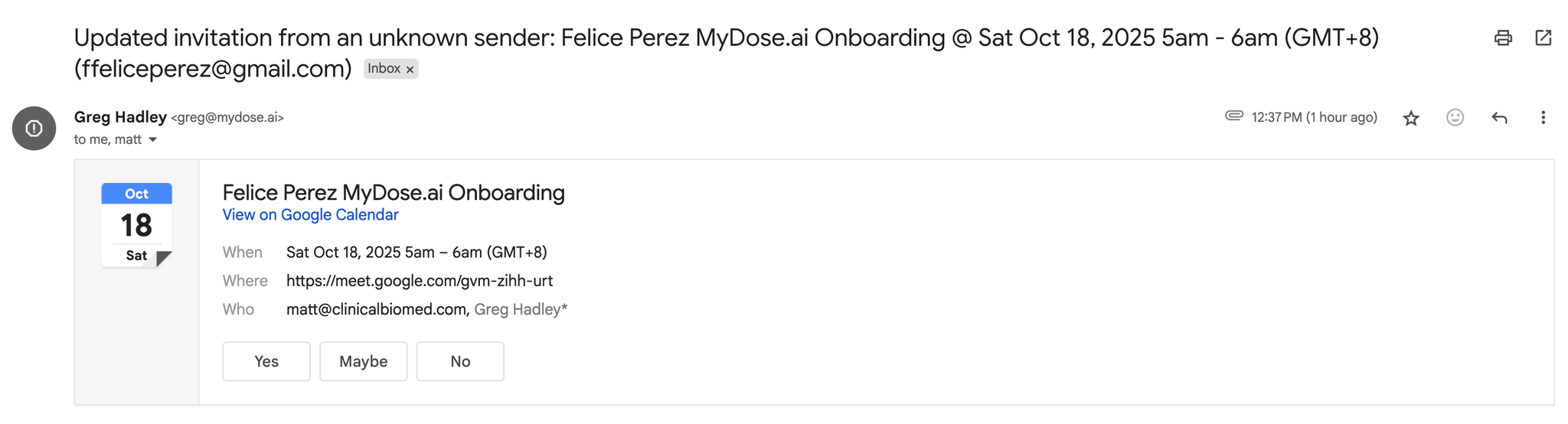
- Confirm your appointment by checking the email confirmation from MyDose.ai and adding the meeting to your calendar using the provided calendar links (Google, Outlook, or iCloud).
- If you have not booked your onboarding call, you may book it here: Onboarding Call Calendar
- We’ll set up the following that were not set up during Account Activation:
- Integrating Accounts
- Google/Outlook Account (Email & Calendar)
- Google My Business
- Tiktok
- Stripe (If you are taking online payments)
- User Profile
- Signature
- Calendar Availability
- Setting Up Phone Numbers
- Setting Up Domain
- Team Members and Team Roles
- Clinic Calendar Preferences
- Anything you had problems with during Sign Up
- During the onboarding call, our specialist will walk you through your MyDose.ai account. We’ll go through each feature making sure that you get the most out of the platform.
- Dashboard
- Conversations
- Calendars
- Contacts
- Opportunities
- Purchasing Inventory
- Peptides
- Treatment Plans
- Dose Logs
- Payments
- AI Agents
- Marketing
- Automation
- Sites
- Reputation
- Reporting
- Access ongoing support resources - All training topics covered during your call are documented in this Knowledge Base for future reference, along with additional advanced features and troubleshooting guides.